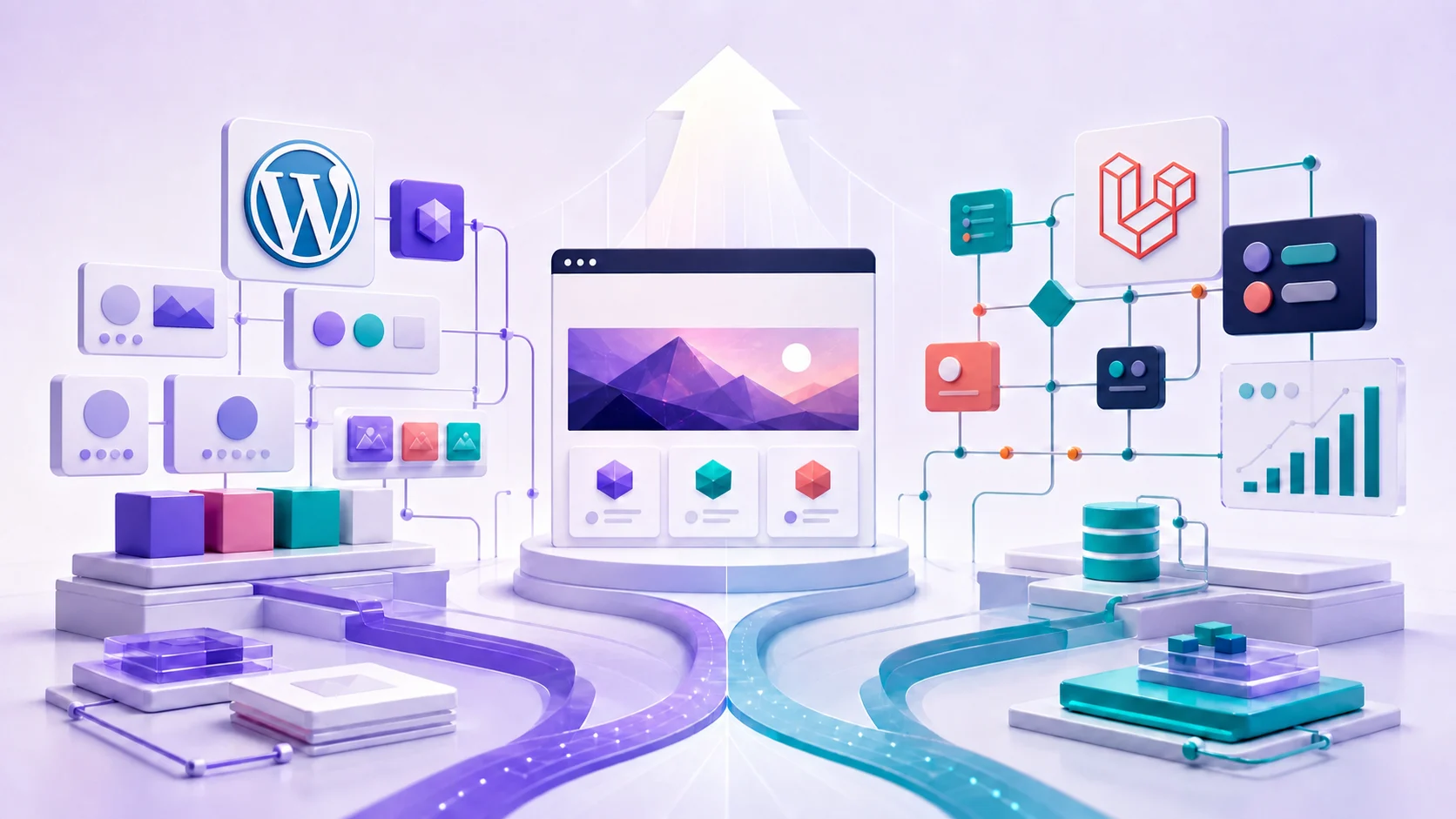
Choosing between Laravel and WordPress is not really a contest between two technologies. It is a decision about what your website must do, who needs to manage it, how much change you expect, and where you want complexity to live.
Both platforms can support a professional business website. WordPress is a content management system with a large ecosystem of themes and plugins. Laravel is an application framework used to build a system around specific requirements. That difference shapes the cost, flexibility, editing experience, and maintenance work that follow.
The right choice is the one that fits the business model without creating unnecessary work. A straightforward marketing website may gain little from a custom application. A complex operational platform may become difficult to manage if it is assembled from plugins that were never designed to work as one system.
The best platform is not the one with the longest feature list. It is the one that supports the business clearly today and can be maintained responsibly tomorrow.
Laravel and WordPress start from different assumptions
WordPress starts with publishing. Pages, posts, users, media, categories, themes, and an administration area are already present. A team can install a carefully chosen theme, configure plugins, enter content, and launch without building every capability from the ground up.
Laravel starts with a foundation for custom software. It provides established ways to handle routing, databases, authentication, validation, queues, caching, testing, and other application concerns. The public interface and administrative workflows are then designed for the specific project.
Neither starting point is inherently better. WordPress gives a business more prebuilt capability. Laravel gives a development team more control over how the capability is designed. The important question is which advantage matters more for the project in front of you.
A practical comparison
| Decision area | WordPress | Laravel |
|---|---|---|
| Best starting point | Content-led marketing sites, blogs, service pages, and familiar editorial workflows | Custom portals, platforms, integrations, and workflows unique to the business |
| Initial delivery | Often faster when established themes and plugins meet the requirements | Usually requires more discovery and development before launch |
| Content editing | A mature editor and media library are available immediately | The editing experience can be tailored, but it must be designed and built |
| Custom business logic | Possible, although extensive customization can outgrow a plugin-led architecture | A natural fit for rules, permissions, data relationships, and bespoke processes |
| Maintenance | Depends heavily on theme and plugin quality, compatibility, and update discipline | Depends on code quality, test coverage, dependency updates, and ongoing development support |
| Budget shape | Lower entry cost is common; licences and accumulated plugin work can add recurring cost | Higher initial investment is common; the system can be focused on exactly what is needed |
This table describes common patterns, not guarantees. A disciplined WordPress build can be faster and cleaner than a poorly planned Laravel application. A focused Laravel build can also be easier to maintain than a WordPress site carrying dozens of overlapping plugins.
When WordPress is usually the better fit
WordPress is often a sensible choice when communication is the website's main job. If the team needs to publish service pages, articles, case studies, landing pages, team profiles, and other marketing content, its built-in editorial experience can provide value quickly. Our WordPress development service is designed around this kind of content-led business need.
Your requirements are mostly familiar
A brochure website, professional blog, resource centre, or conventional ecommerce catalogue follows patterns that the WordPress ecosystem understands well. Using established tools for established problems can reduce initial cost and avoid custom development that does not create a meaningful business advantage.
Non-technical editors need independence
WordPress gives content teams a recognisable interface for drafting, reviewing, scheduling, and updating content. A well-configured block editor can offer useful flexibility without giving every editor control over the whole visual system.
Speed to launch matters more than unique workflows
When the content, offer, and visual direction are clear, WordPress can shorten the path to a dependable first release. That advantage is strongest when the project avoids unnecessary plugins and uses a theme or component system chosen for long-term maintenance rather than a flashy demonstration.
WordPress may be the practical choice when most of these statements are true:
- The website is primarily a marketing and publishing channel.
- The required features are common and supported by reputable tools.
- Editors need to update pages frequently without developer involvement.
- The budget favours a shorter initial build.
- The team is willing to maintain updates, backups, security monitoring, and plugin licences.
When Laravel is usually the better fit
Laravel becomes more compelling when the website behaves like a product or an operational system. The value is not simply that it is custom. The value is that the underlying data, permissions, and workflows can be modelled around the business instead of being forced into a general-purpose publishing platform. Our Laravel development service focuses on those custom workflows, integrations, and business rules.
The workflow is part of your competitive advantage
Consider a client portal that manages onboarding, documents, approvals, service milestones, invoices, and messages. Each feature affects the others, and different users may need precise permissions. Laravel provides a coherent foundation for designing that system as a whole.
You need deep integrations
A business may need its website to exchange data with a customer relationship platform, inventory system, payment provider, reporting service, or internal database. WordPress can connect to external services, but Laravel generally provides more freedom when integrations require complex rules, background processing, audit trails, or careful failure handling.
The data model is specialised
Plugins work best when the project's needs resemble the use case they were built for. When the business has unique entities and relationships, repeatedly adapting plugin settings can create awkward limitations. Laravel allows the database and interface to reflect the language and logic the team already uses.
Laravel may be the stronger choice when several of these statements are true:
- The project includes dashboards, portals, subscriptions, approvals, or multi-step workflows.
- Different user roles require detailed access rules.
- Business data has relationships that do not fit standard content types cleanly.
- External systems must exchange data reliably.
- The roadmap includes substantial product development after launch.
- The business can support an ongoing relationship with a capable development team.
Cost should be measured beyond the first invoice
WordPress is commonly less expensive at the beginning because many capabilities already exist. That can be an excellent use of budget. It can also be misleading if the proposed solution relies on numerous premium plugins, fragile page-builder customisations, or manual workarounds that staff must repeat every week.
Laravel usually places more cost at the beginning. Discovery, interface design, data modelling, implementation, and automated testing require time. In return, the business receives a system shaped around its requirements. That investment makes sense only when the custom behaviour produces enough operational or customer value.
Compare total ownership across at least these areas:
- Initial design and development: what must be paid before the first useful release?
- Licences and infrastructure: which subscriptions, hosting services, and third-party tools recur?
- Routine maintenance: who handles updates, backups, monitoring, security reviews, and testing?
- Content operations: how much staff time is needed to publish, reorganise, and verify content?
- Future change: what happens when a key requirement no longer fits the original tools?
- Business friction: are employees copying data, correcting errors, or working around the website?
A lower build price is not economical if the result creates expensive manual work. A custom application is not economical if a standard content system would have met the same need.
Security and maintenance depend on stewardship
It is too simple to call one platform secure and the other insecure. Security depends on how the site is built, hosted, updated, monitored, and used.
A WordPress site needs careful control over plugins, themes, user accounts, backups, updates, and login protection. Every extension adds code and a supplier relationship. A smaller, well-vetted set is easier to understand and maintain than a crowded stack of tools with overlapping purposes.
A Laravel application avoids a large plugin marketplace, but custom code brings its own responsibility. The team must follow framework updates, patch dependencies, validate input, manage authorisation, protect secrets, test important behaviour, and monitor the application in production.
In either case, ask the same questions: Who owns maintenance? How quickly are security updates applied? Are backups tested? Is important behaviour covered by tests? What monitoring will reveal a failure before a customer reports it?
Search performance is not decided by the platform name
Laravel and WordPress can both support strong technical SEO. Search visibility depends more on site structure, useful content, crawlability, metadata, structured data, internal linking, performance, and the quality of ongoing decisions.
WordPress provides accessible SEO tooling, which makes common tasks easier for editors. The risk is believing that installing an SEO plugin completes the work. A plugin can expose fields and generate technical output, but it cannot decide which pages deserve to exist or whether the content answers a customer's question.
Laravel can make technical output precise because developers control routing, templates, metadata, redirects, and structured data. That control is valuable, but those features must be intentionally included. A custom platform does not become search-friendly automatically.
A hybrid approach can be appropriate
Some businesses genuinely need both strong publishing and custom application behaviour. A company might use WordPress for its public resource library while a Laravel application powers a secure customer portal. Another project might use Laravel as the main application and connect it to a focused content management service.
A hybrid architecture should solve a clear organisational problem. It also introduces more infrastructure, integration work, deployment processes, and expertise requirements. Using two platforms without a strong reason usually creates more maintenance rather than more flexibility.
How to make the decision
Begin with requirements, not a preferred tool. A short discovery process should identify the audiences, the actions they need to take, the information the business must manage, and the changes expected over the next few years.
- Define the main job. Decide whether the project is primarily a publishing website, a sales tool, an operational system, a customer product, or a combination.
- List essential workflows. Describe what customers, editors, administrators, and other users need to do from beginning to end.
- Separate standard and distinctive needs. Use established tools for common requirements and reserve custom investment for work that creates real value.
- Identify ownership. Confirm who will publish content, approve changes, maintain the software, and respond when something fails.
- Review the roadmap. Consider integrations, new user roles, additional locations, changing services, and other likely developments.
- Compare total cost. Include build cost, licences, infrastructure, maintenance, staff time, and the cost of future change.
The short answer
Choose WordPress when the project is mostly about presenting and publishing content, the features are well understood, and the team benefits from a mature editing experience. Keep the implementation focused, select extensions carefully, and budget for responsible maintenance.
Choose Laravel when the project depends on custom workflows, specialised data, detailed permissions, deep integrations, or a substantial product roadmap. Plan for a larger initial investment and an ongoing development relationship.
If you would like help choosing the right platform, start with our website development overview, which explains where Laravel and WordPress each fit.
If the decision still feels uncertain, that usually means the requirements need more work. A good technical partner should be willing to recommend the simpler option when it is sufficient and explain the business reason when custom development is justified.